

START HERE
Linux Starter Pack
Install, update, and find files with less guesswork.
START HERE
Read clear setup guides, terminal basics, and fix-it posts that help new users move faster without the guesswork.
FEATURED READS
Install, update, and find files with less guesswork.
START HERE
Install, update, and find files with less guesswork.
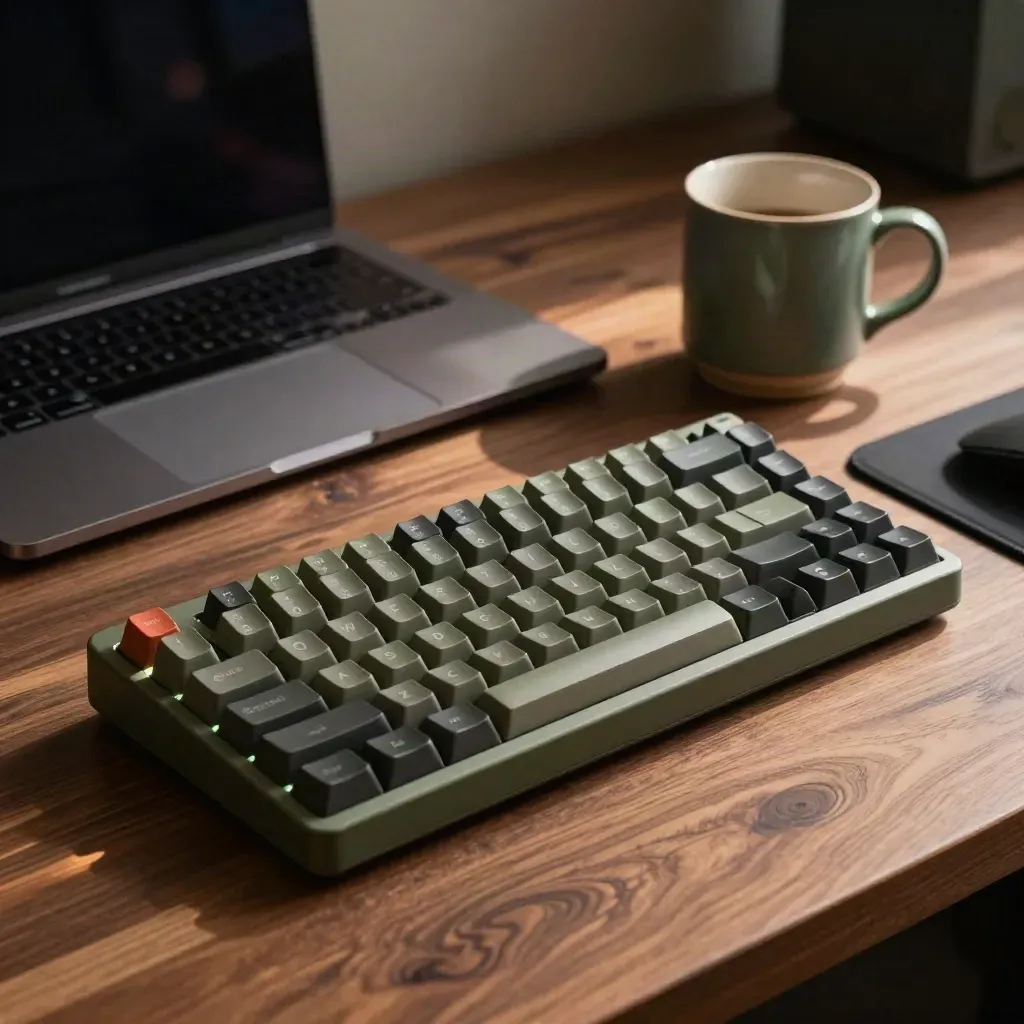
TERMINAL
CHECKLIST
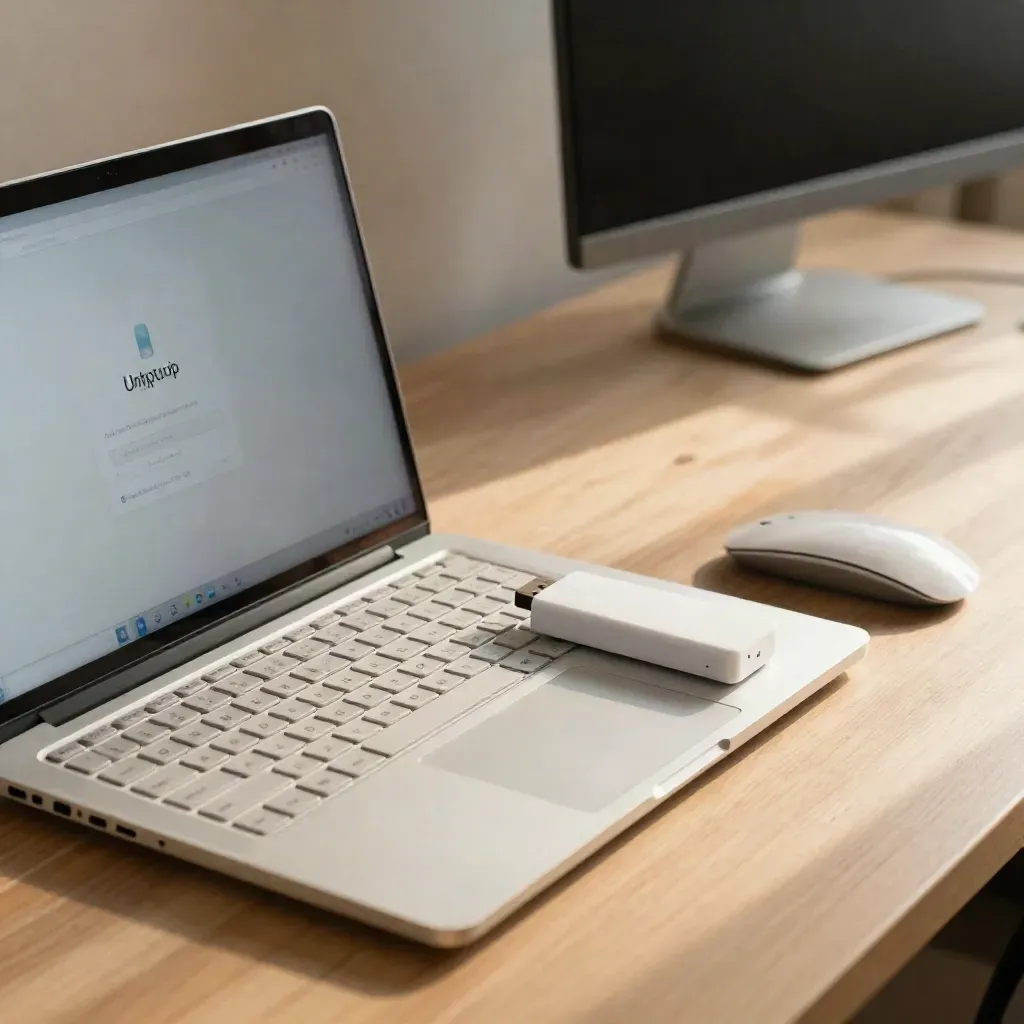
A clean path from ISO to first login.

Good for older laptops and easy menus.

Set up codecs, updates, and daily tools.

FAST READ
FAST READ
HELP NOW
HELP NOW
TOPICS
Fresh installs, partitions, dual boot, and first boot checks.

GUIDE
Fresh installs, partitions, dual boot, and first boot checks.
GUIDE
Short shell lessons for files, text, pipes, and search.

TIPS
Fonts, panels, icons, and light desktop changes.

TRENDS
Updates, firewalls, backups, and browser safety.
Linux tutorials
Linux tutorials
setup and distro guides
setup and distro guides
topic channels
topic channels
Community
“One article got my Debian laptop up and running in under an hour.”
Maya Chen
Home lab builder
“The shell posts made grep and pipes click for me.”
Owen Patel
Junior sysadmin
“I use the distro notes before I install anything new now.”
Elena Brooks
Web developer
FROM THE JOURNAL
First login steps, updates, codecs, and package basics.

FEATURE
First login steps, updates, codecs, and package basics.
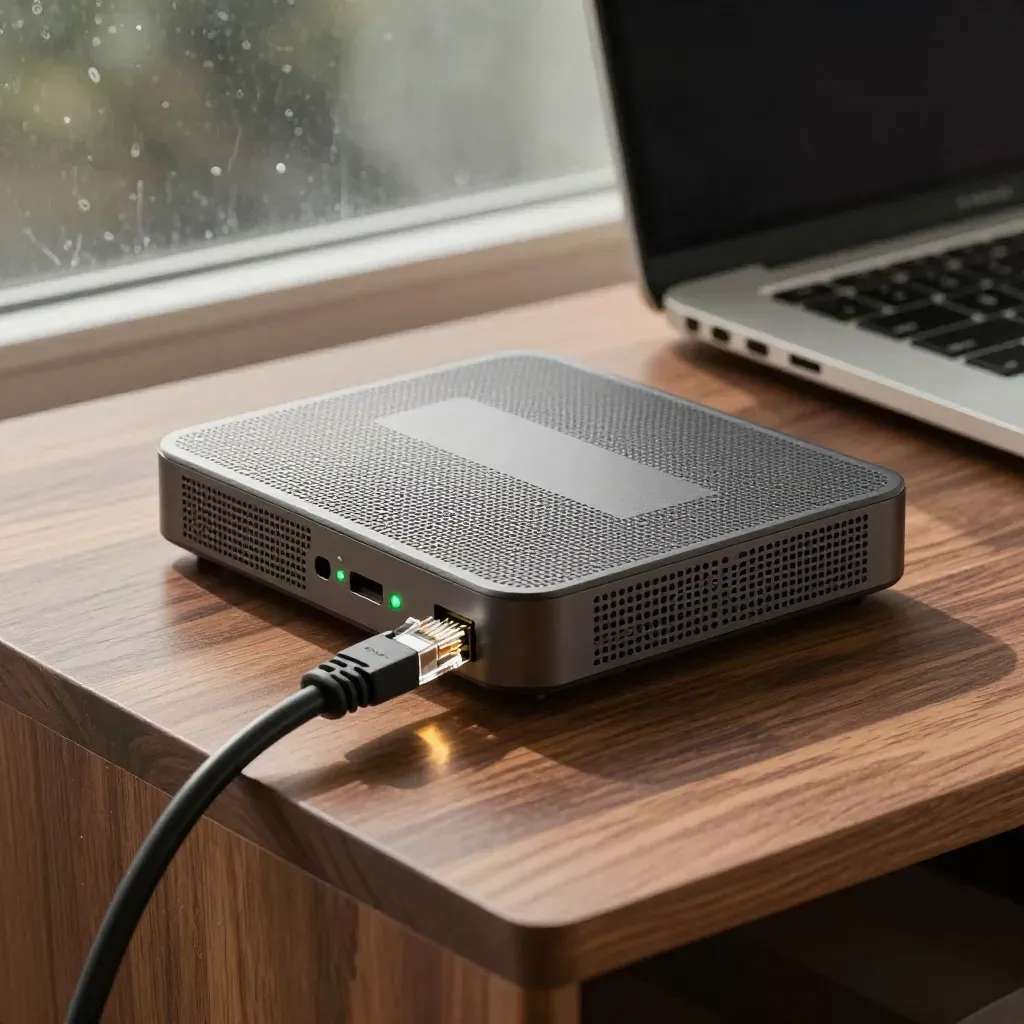
Common checks for drivers, NetworkManager, and weak signals.

Write small loops that save time on repeat jobs.

WIDE
Keyboard moves, workspaces, and window changes that help.

Use rsync, Timeshift, and simple restore checks.
Change updates, permissions, and browser settings.
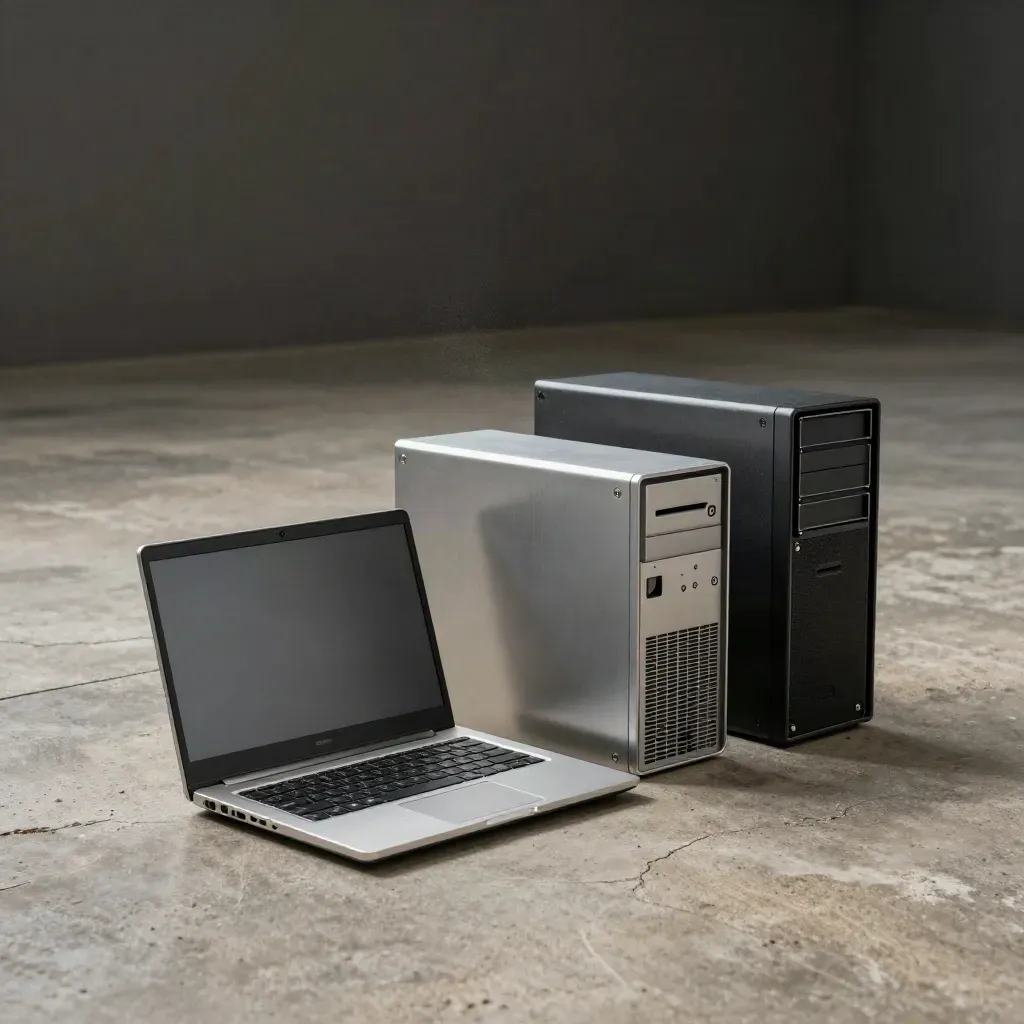
Match your old PC, laptop, or server to the right build.
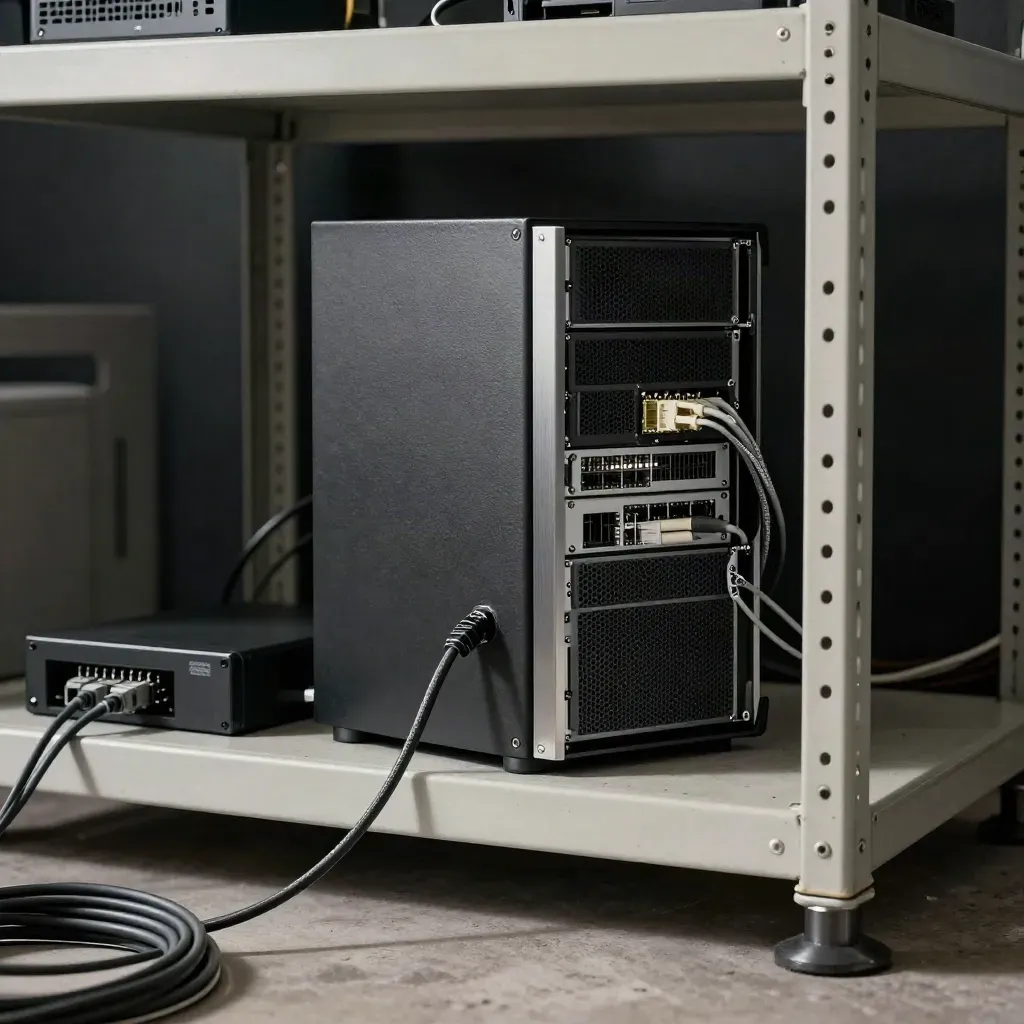
Set SSH, users, updates, and a basic firewall.
Journal

Questions
Quick answers before visitors choose a product, service, or next step.
Start with a distro guide, then learn files, packages, and the terminal in that order. It keeps each step simple.
Linux Mint and Ubuntu are both good first picks. They install fast, use common tools, and have lots of help online.
Yes. You will find short posts on ls, cd, grep, pipes, permissions, and other daily shell tasks with clear examples.
Yes. Many posts point to light desktops, smaller apps, and ways to save memory on older machines without extra noise.
Yes. We cover boot errors, Wi-Fi, updates, sound, and other common fixes in clear steps you can follow fast.
Yes. There are plain notes on SSH, backups, logs, users, and small server tasks for busy admins and team leads.
Get one short Linux note each week with new guides, quick fixes, and plain answers for people who want to learn faster.

